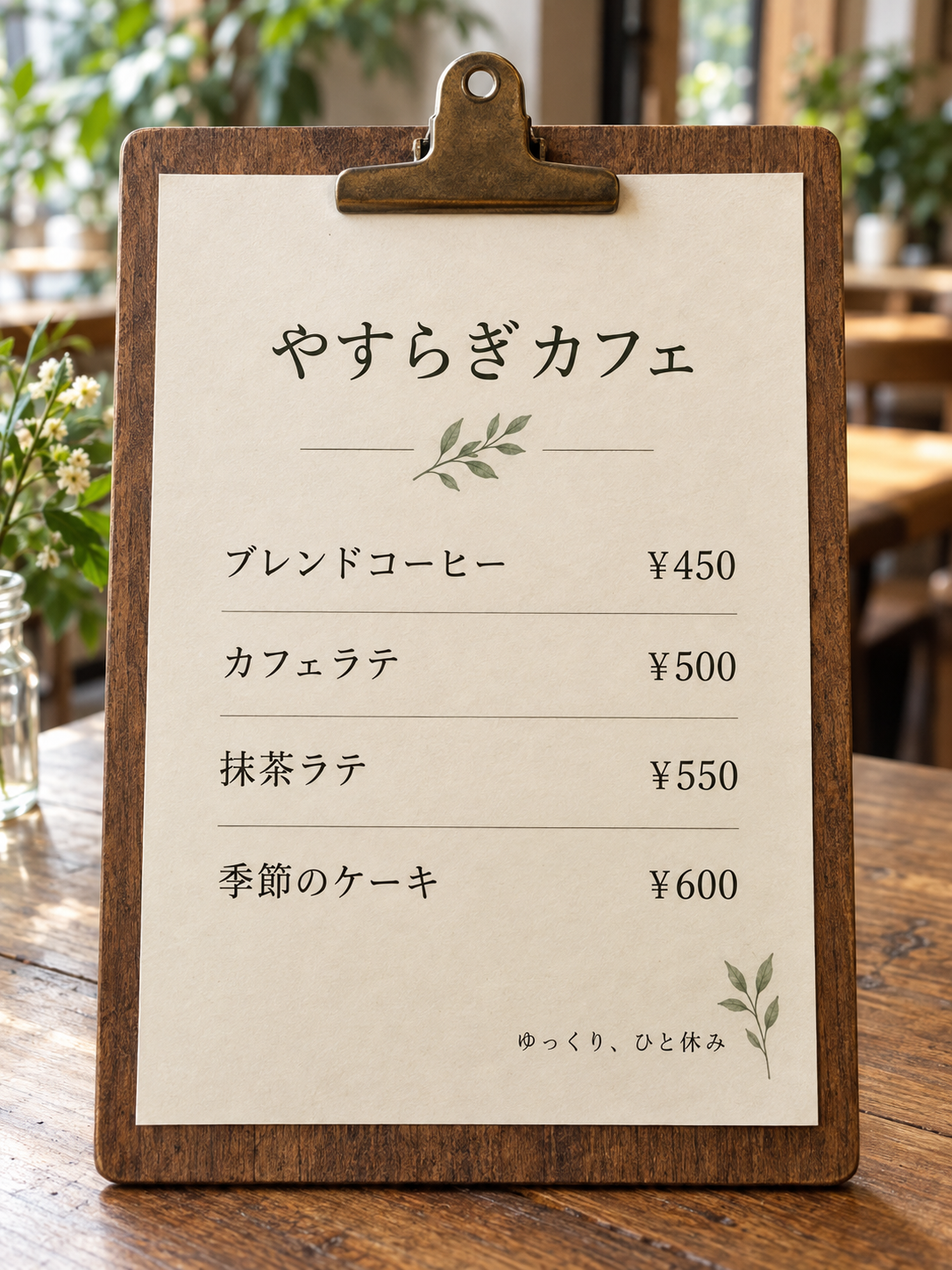
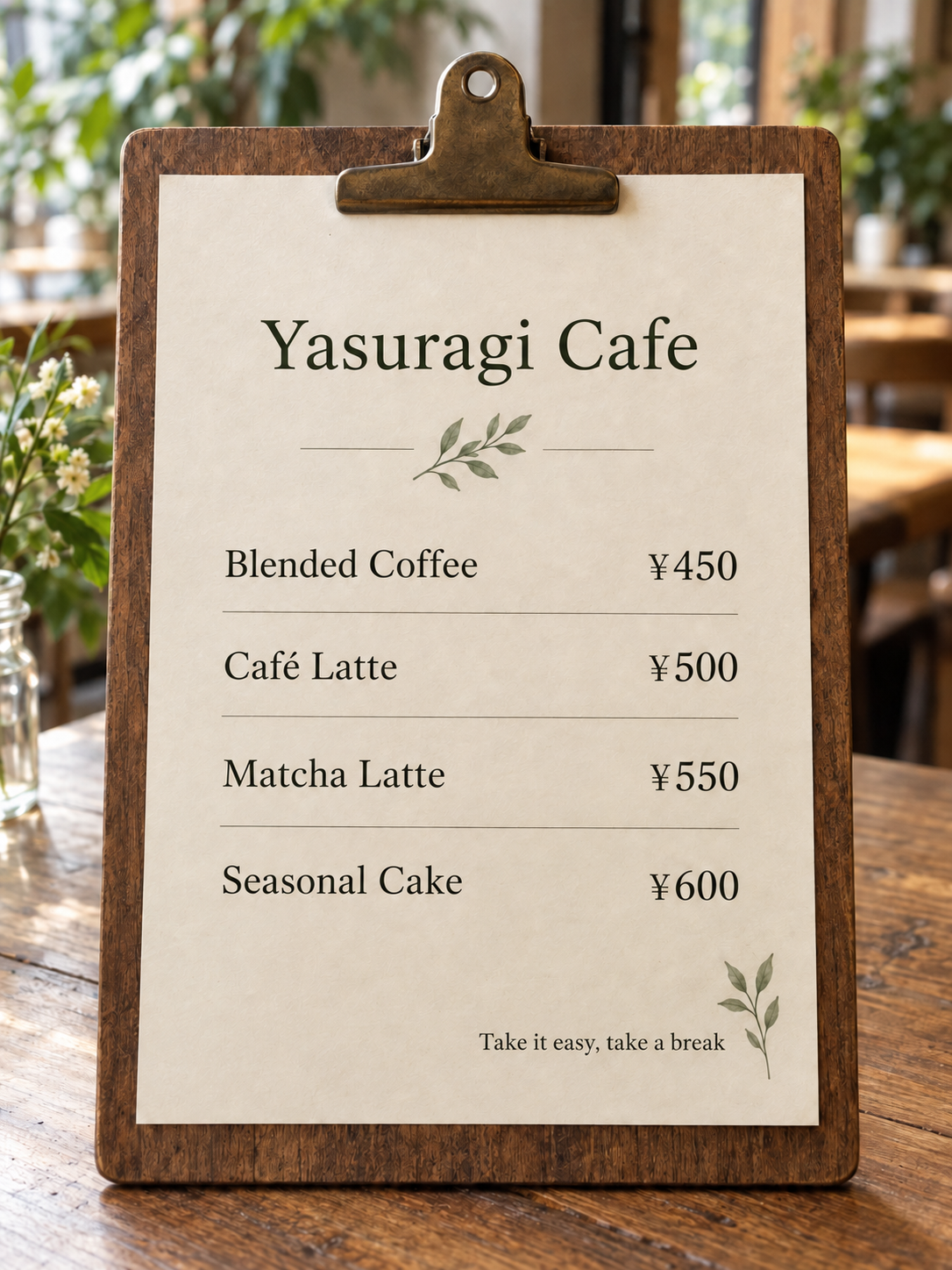
Screenshot translator
Make a screenshot readable without losing its visual context
Screenshots often contain the only copy of a message: a product setting, an error dialog, a support reply, a tutorial step, or a mobile screen with no selectable text. ImageLingua lets you translate the entire screenshot as one image so the surrounding controls, icons, spacing, and order remain available for review.
Use the original screenshot when possible
Start with the original capture instead of a re-photographed screen or a heavily compressed chat attachment. The current tool accepts JPG and PNG files up to 10 MB and 20 megapixels. Keep the full screen if a heading, control, and result message need to be understood together; crop only when unrelated notifications or private details should not be part of the translation.
A screenshot is not the same as a text document. A warning may sit beside a button, a setting may be grouped under a menu title, and an error code may matter more than the surrounding sentence. Translating the image gives you a visual reference while you compare the output with the source.
Translate a screenshot in four practical steps
Choose the screenshot, select the language the next reader needs, and use the same ImageLingua control shown above. You can select a file before signing in; a Google sign-in is required before translation begins, and the selected image is retained through that step when the browser can store it safely.
- Confirm that the screenshot is a JPG or PNG and remove anything you should not upload.
- Choose the target language from the 15-language selector.
- Run the translation and compare labels, warnings, numbers, and URLs with the original.
- Download a reviewed result or find it in My images while it remains available.
Check instructions before you act on them
A translated screenshot can help you understand an unfamiliar interface. Before you follow a step, compare account names, dates, error codes, keyboard shortcuts, and action buttons with the source. If a label seems ambiguous, return to the original screenshot rather than assuming the translated image captured every detail.
For a support handoff or a step-by-step guide, keep the original and translated versions together so another person can see what was on the screen. That is more useful than copying isolated strings into a message with no indication of where they appeared.